Linux
- 1.Armadillo
Before installing Armadillo, you could install LAPACK and BLAS with the following commands
sudo apt-get install liblapack-devsudo apt-get install libblas-devsudo apt-get install libopenblas-devsudo apt-get install libboost-devYou could download the Armadillo with the apt package manager, but the version provided is really old, which is lower than our required version 10.3. So Download the package from the website
arma.sourceforge.net/download.html
Extract the package and go to the armadillo folder, then open the
CMakeList.txtfile. ActivateHDF5support by changing:set(ARMA_USE_HDF5_ALT false)toset(ARMA_USE_HDF5_ALT true)Then open a terminal and run:
cmake .makesudo make install- 2.OpenMP
You could directly install OpenMP with the command below, which meets our version requirement
sudo apt-get install libomp-dev
- HDF5
You could install
- 3.cmake
You could download the cmake package from the website
Please make sure the cmake version is hogher than 3.10
- 4.VTK
Download the VTK package (for example “VTK-9.0.1.tar.gz”) from the link below:
Extract the package and
cd VTK-9.0.1.Create a folder named “build”, and
cd build.Then
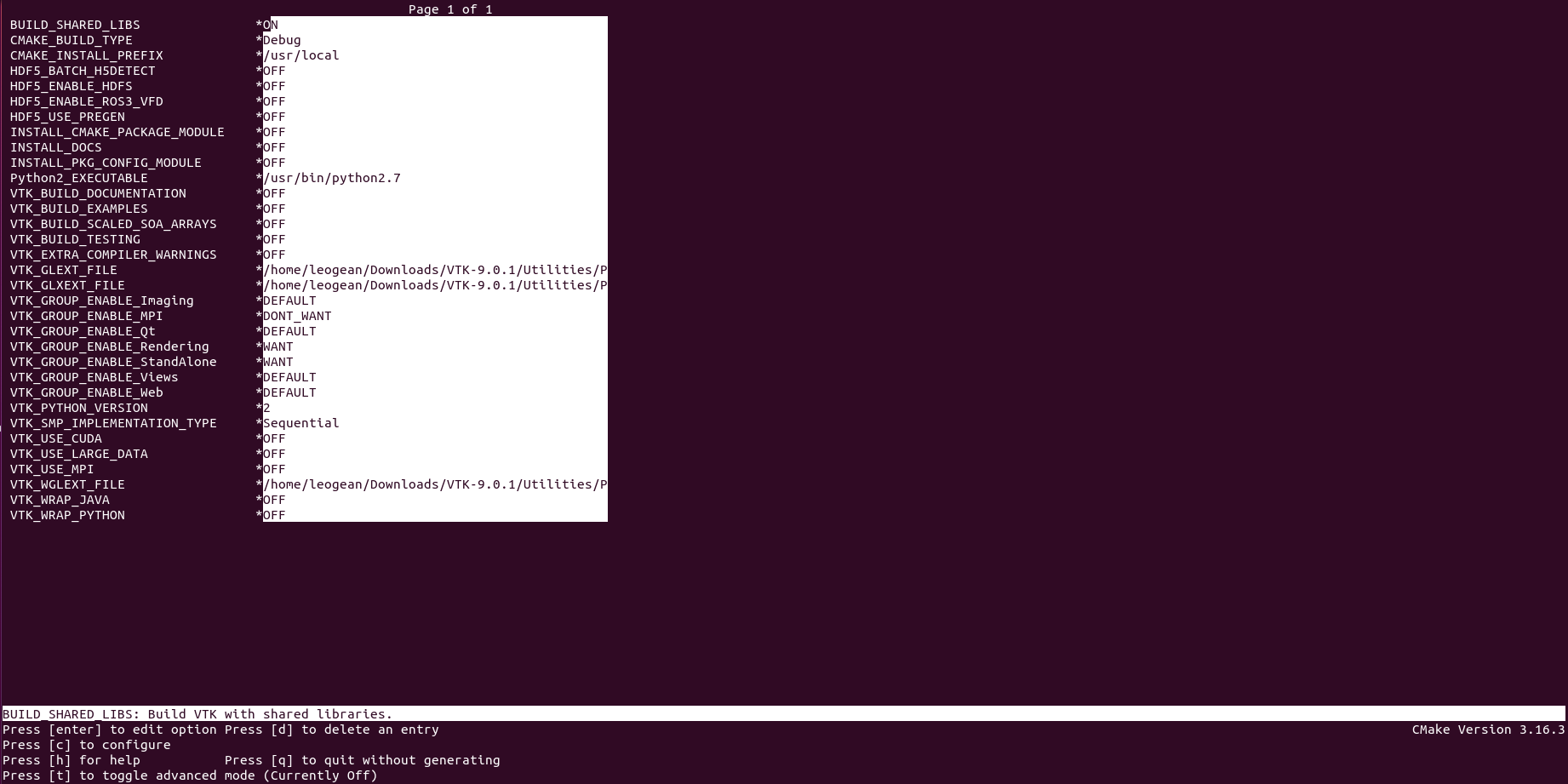
ccmake .., you will come to interface shown as the picture belowYou could modify the configuration and press “c” to apply the changes (the default setting should be fine to run this application). Then press “g” to generate the “Makefile”
After finishing the build step, a “Makefile” will be generated in the “build” folder. run
maketo complete the installation
- 5.Compile
There is a CmakeLists.txt in the github repo. You could directly compile the application with the command
cmake .makeThe executable file will be generated to the Results folder.